

Build it
1
Render a page name from a controller
routes/settings.php and declare its permission in module.json, see module.json and settings.2
Register the page
resources/js/register.ts
3
Write the page
Wrap it in
AdminLayout and build from the kit, see the example below.4
Build the frontend
A small complete example
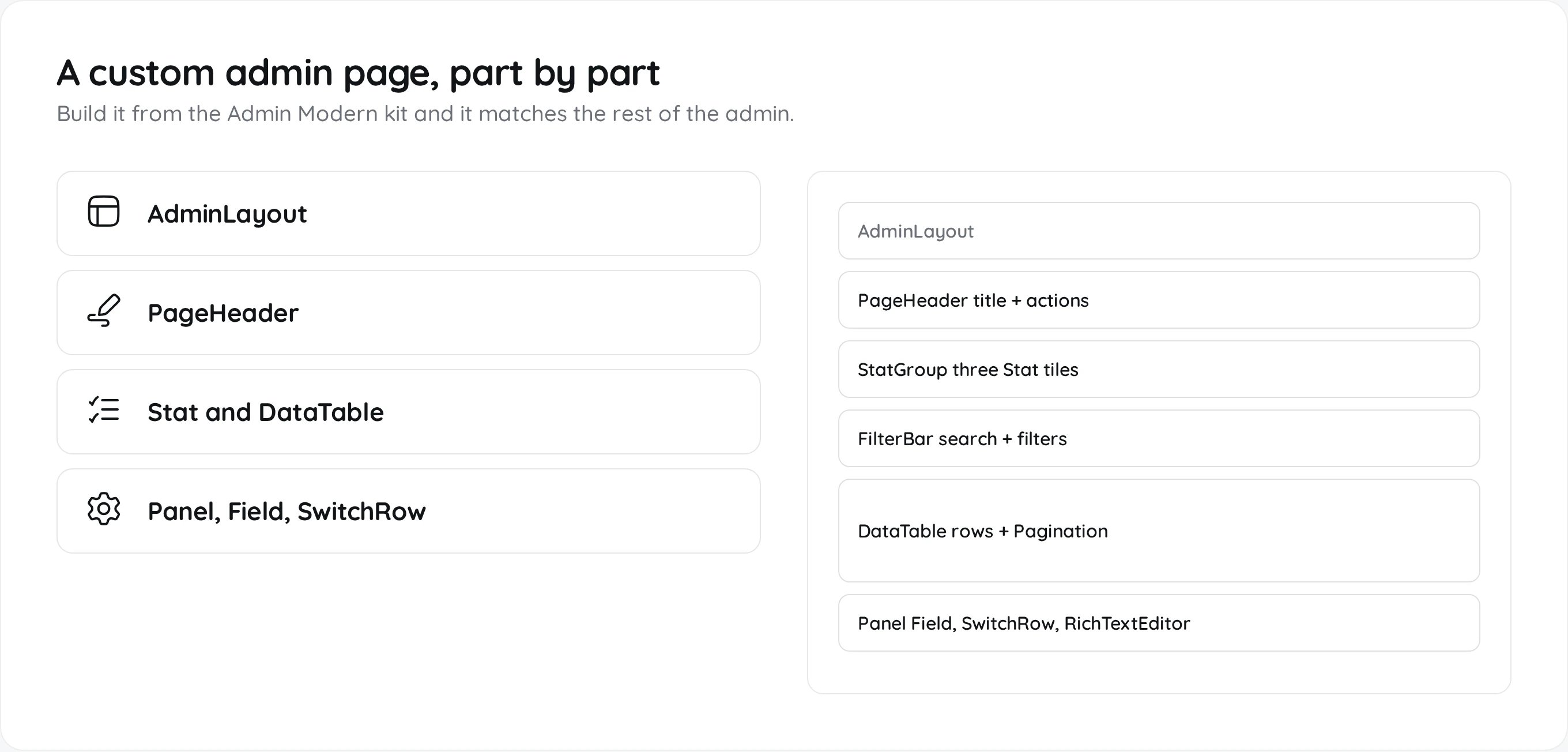
AdminLayout gives the page the Admin Modern shell: sidebar, topbar and breadcrumbs.
The kit
Import from@/pages/admin-themes/admin-modern/components/.
Buttons use
am-button with am-button-primary, am-button-quiet, am-button-danger or am-button-critical. A plain <input>, <select> or <textarea> inside Field is styled for you.
Theme colours and corner radius
Theme colours and corner radius
The page inherits its look from
theme.css. Use its variables instead of fixed colours: --am-ink, --am-muted-ink, --am-surface, --am-hairline, --am-accent, --am-good, --am-warning and --am-critical.Admins change the palette on the Colors page in the admin, and the corner roundness with the ui_corner_radius setting. Both flow through these variables, so anything built from the kit follows along. Hard coded hex colours and pixel radii will not.The RichTextEditor
@/components/editor/RichTextEditor is the Markdown editor used by News, Blog, the knowledge base and custom pages. It edits and returns Markdown, with a bubble menu, a slash menu, tables, task lists and image upload.
value, onChange, placeholder, label, maxLength, error, disabled, draftKey (keeps a local draft), attachments, actions, minHeight, maxHeight, onEditorReady and onUploadImage. Render saved Markdown on the public side with @/components/MarkdownRenderer.
Worth reading
GDPRCompliance
Dashboard, tables, filters, dialogs and a RichTextEditor form.
Affiliates
Stats, tables and settings built with
Field and Panel.