

resources/js/pages/themes/. It styles the dashboard, store, tickets and sign in pages. Admin screens are not part of it, see admin themes.
Portal themes are a different thing. They change the public landing page and live under Admin, Customization, Themes.
How a theme is picked
1
Spartan scans the folder
Every folder in
resources/js/pages/themes/ shows up in the list. There is nothing to register.2
An admin picks one
Go to Settings, Appearance, Client Theme. This writes the
active_theme setting.3
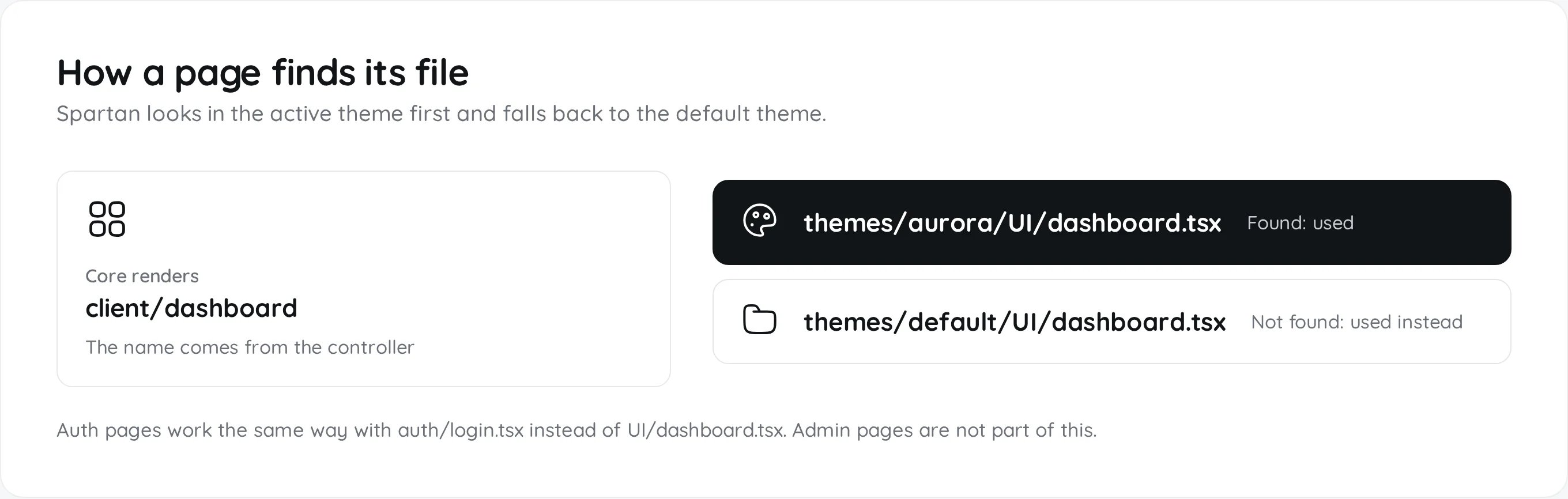
Each page looks for its file
A page named
client/dashboard loads themes/{active}/UI/dashboard.tsx. If that file is missing, it loads the same path in default.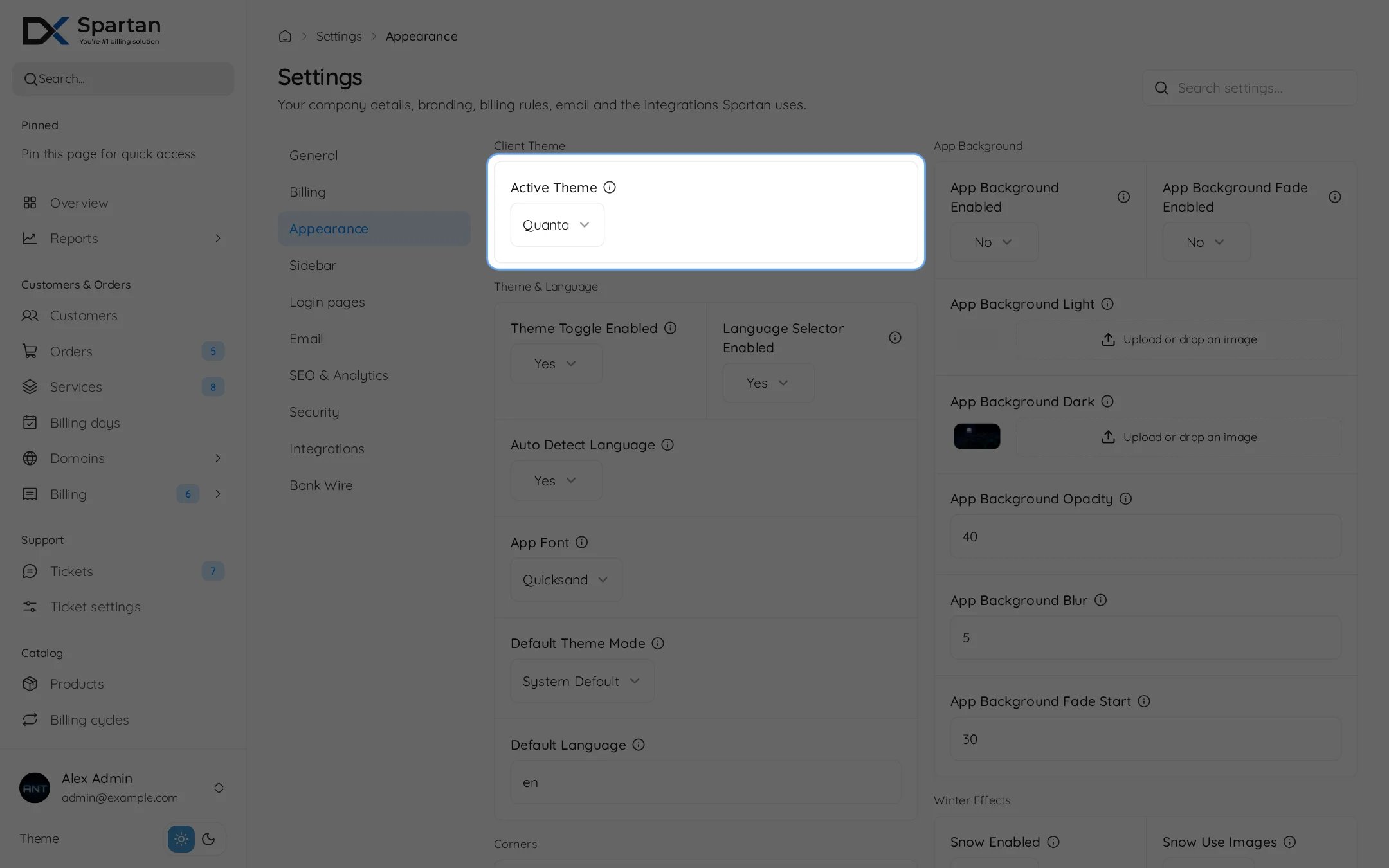
auth/login.tsx instead of UI/dashboard.tsx.
The bundled themes
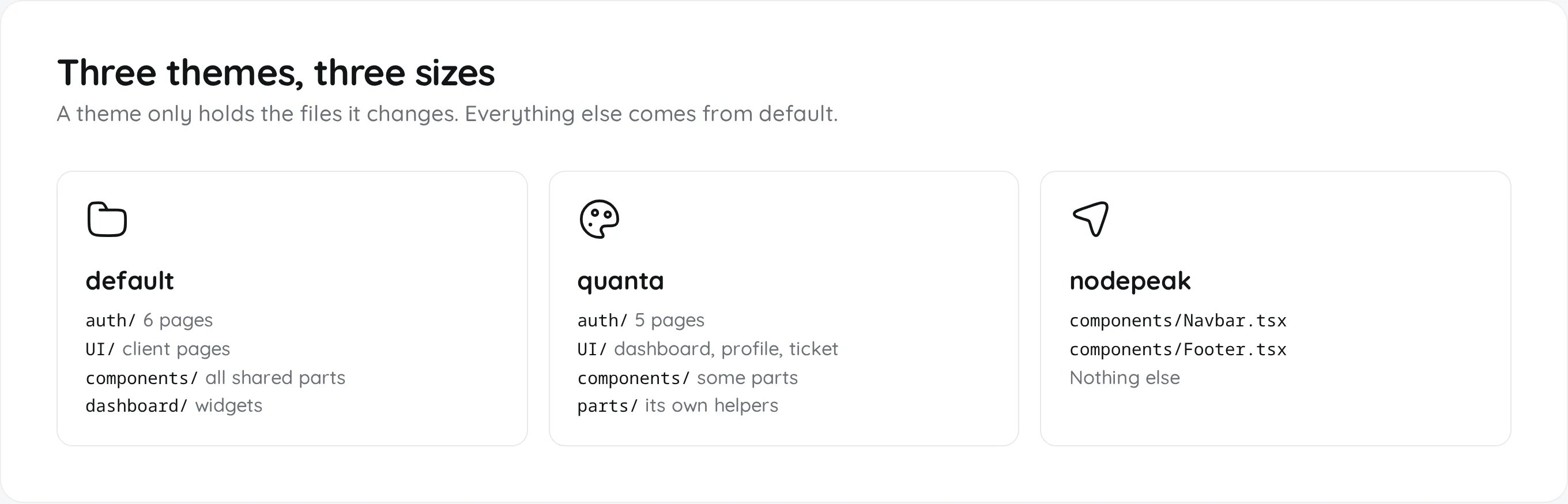
What you can override
- Auth pages
- Client pages
- Components
In
{theme}/auth/. The file name must match exactly.UI/ page does not need a layout. Spartan wraps it in AuthenticatedLayout, which adds the sidebar, navbar and footer. Auth pages are never wrapped.
A minimal theme
One file, one changed component. Every card in the customer area now has a thicker border and bigger corners.1
Create the folder and file
aurora shows as Aurora.2
Write the component
Copy
themes/default/components/SectionCard.tsx first so you keep its props, then change the markup.resources/js/pages/themes/aurora/components/SectionCard.tsx
3
Build and pick it
Run the build, then choose Aurora under Settings, Appearance, Client Theme.
Overriding components
Most shared pieces in the default theme are wrapped inwithThemeOverride. A file at the same path in your theme replaces them.
default export also works.
Every overridable component
Every overridable component
Paths are relative to
{theme}/components/.Why the default theme ignores overrides
Why the default theme ignores overrides
Overrides are only read when
active_theme is not default. The loader leaves themes/default/components/ out of the on-demand bundle, so a theme’s components are fetched only while it is active.Colors and corner radius
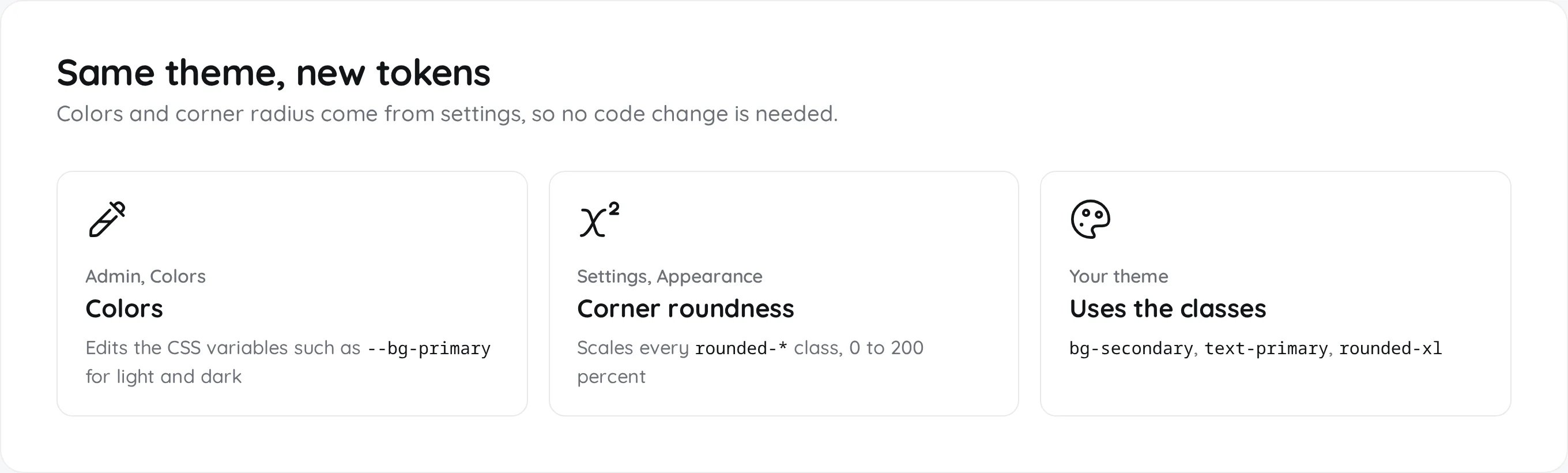
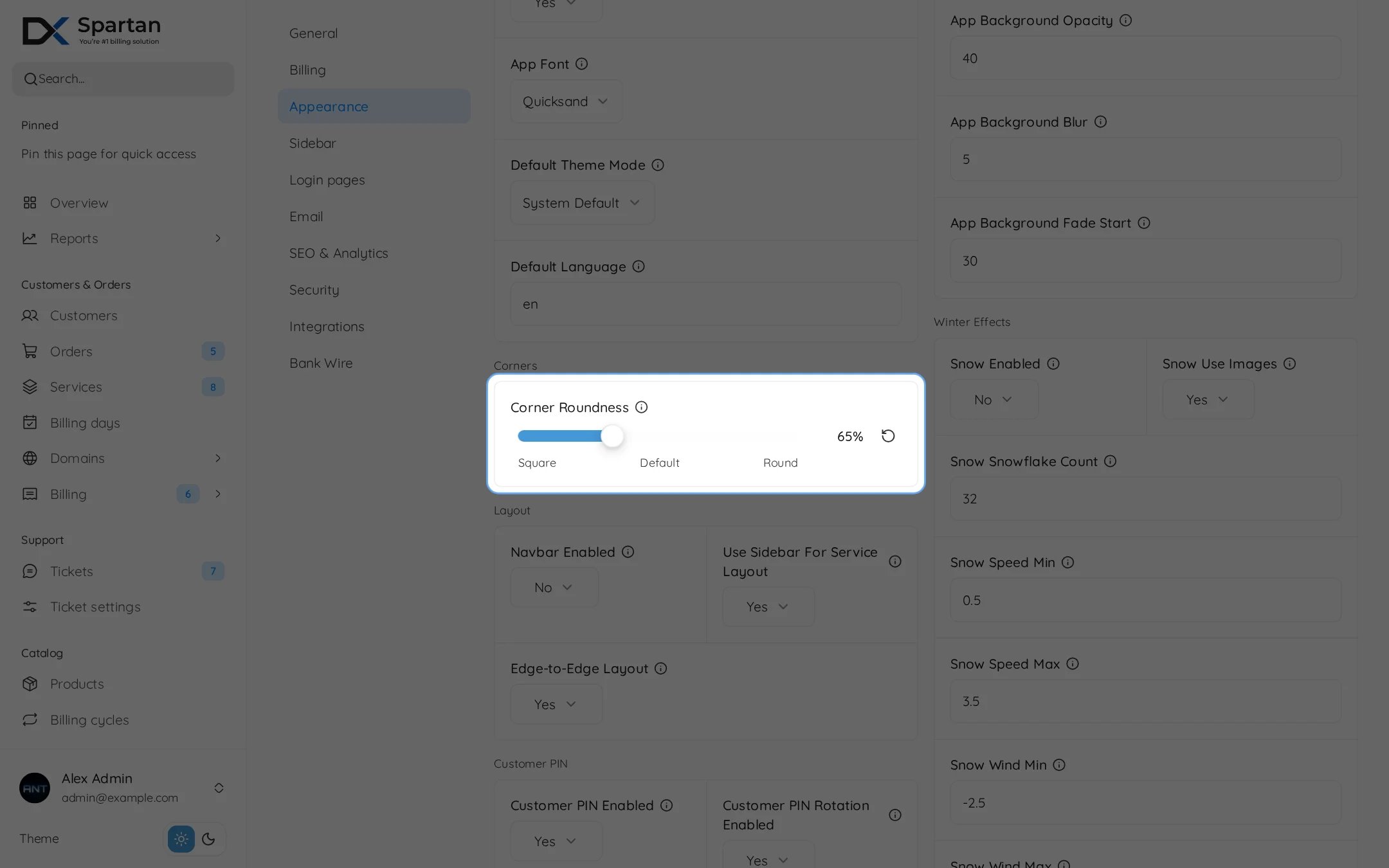
ui_corner_radius setting, from 0 to 200 percent with 100 as the default. It sets --radius-scale, which scales every Tailwind rounded-* class. Do not hardcode pixel radii or hex colors.
The color variables
The color variables
button-primary, button-secondary, button-success, button-warning, button-danger.Build and reload
A theme is frontend only, so there is nothing to reload on the server.sudo systemctl reload dezerx-octane.
Keeping a theme through updates
The updater saves your theme folders and puts them back before it rebuilds the frontend. This is on by default (--keep-themes).