

On the provider side
1
Copy the API key
In the NOWPayments dashboard open Store Settings, API keys and create a key.
2
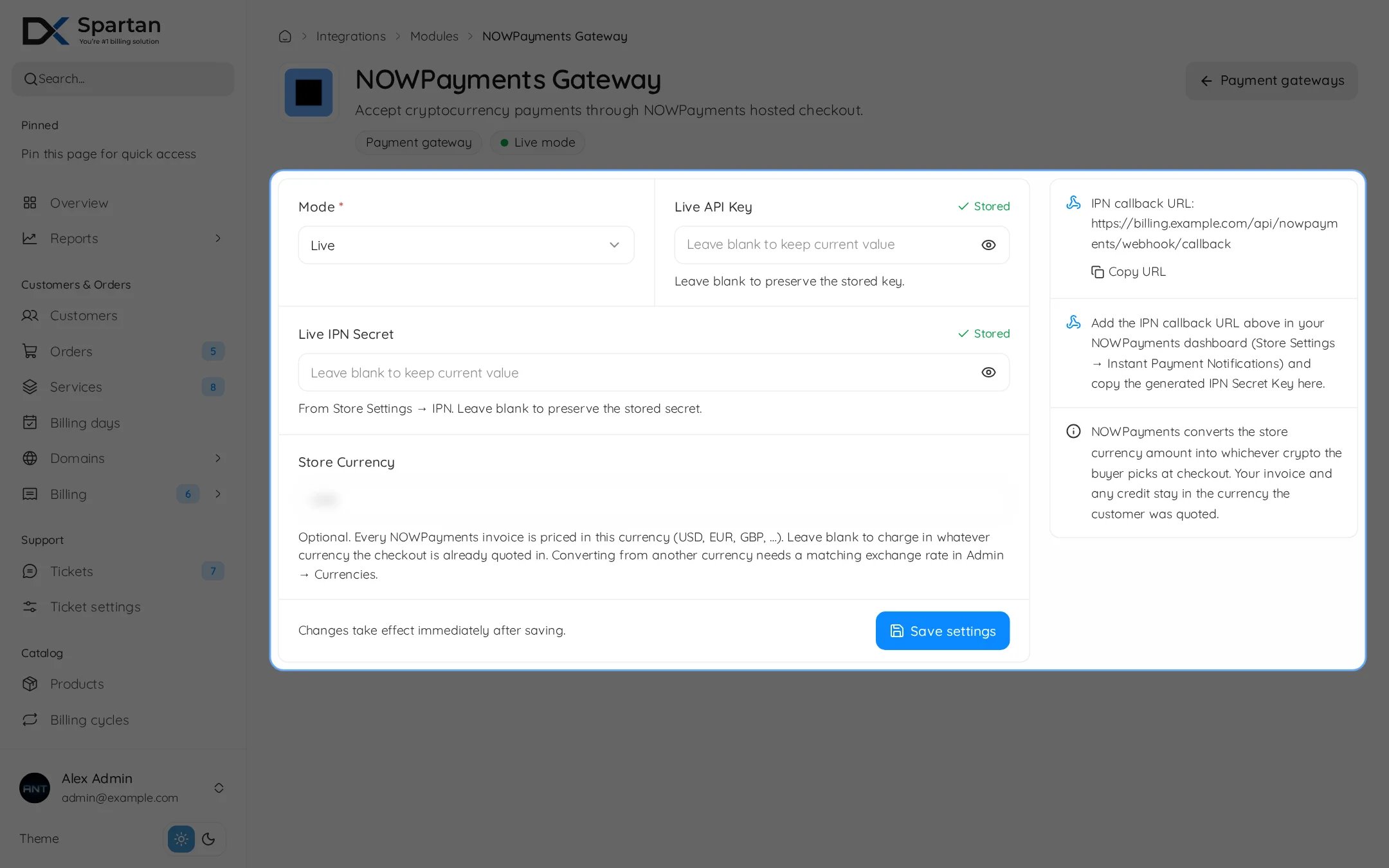
Add the IPN callback
Open Store Settings, Instant Payment Notifications, paste the URL from the Webhook section and generate the IPN secret key.
3
Sandbox
For tests use the NOWPayments sandbox account, which has its own API key and IPN secret.
In Spartan
Go to Integrations, Modules, then open NOWPayments and enable the module.
Leave a secret field empty to keep the stored value.
Webhook
Troubleshooting
- Saving fails: both the API key and the IPN secret are required for the selected mode.
- Paid in crypto but invoice open: check the IPN URL and that the IPN secret matches.