

Create the GitHub app
1
Open developer settings
In GitHub go to Settings, Developer settings, OAuth Apps, New OAuth App.
2
Enter the details
Give it a name and set the Homepage URL to your billing site.
3
Add the callback URL
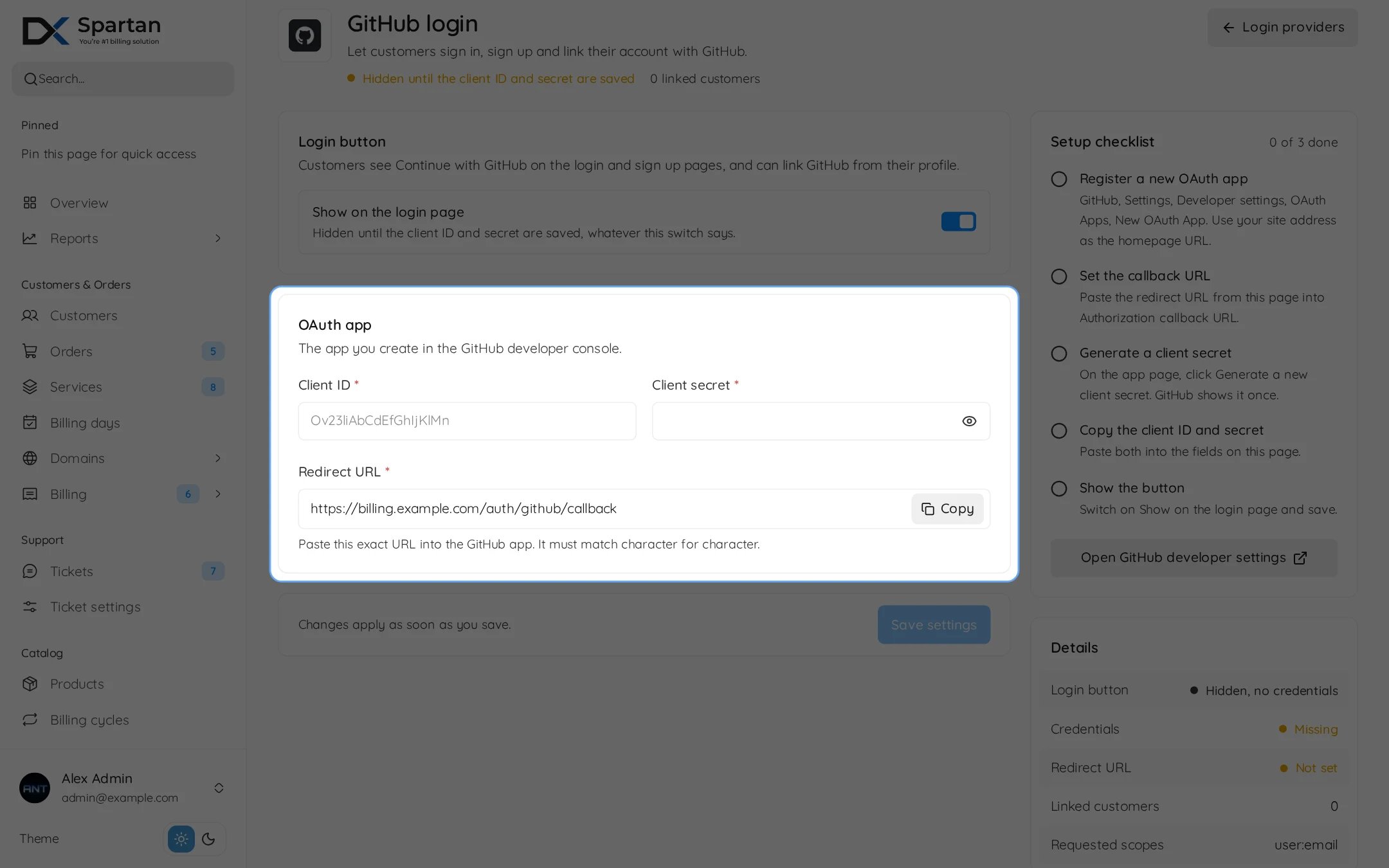
Set Authorization callback URL to the redirect URL from the Spartan settings page. It looks like this, with your own billing domain:
4
Copy the keys
Register the app and copy the Client ID. Then press Generate a new client secret and copy it, GitHub shows it only once.
Fill in Spartan
Open Admin, Integrations, Modules, Sign-in providers and press Settings on GitHub.
Press Save settings. The Setup checklist on the right ticks off each step, and Details shows whether the button is shown and the redirect URL matches this site. Spartan asks GitHub for the user:email scope.
The GitHub button only appears once a client ID and secret are saved, even if Show on the login page is on.
An existing account is only linked by e-mail when GitHub confirms it as the verified primary address.